• Welcome to N-cars.net - the largest Hyundai N car forum. Check out the model specific sections below and scroll down for country specific forums. Scroll down for i30 N, Ioniq 5 N, i20 N, Veloster N and Kona N forums! Check out the i30 N Bible Here!

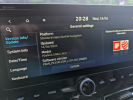
How To: Headunit firmware & GPS navigation maps update

Fingers crossed they’ve sorted the N mode Custom settings selection fudge up…
 
See my previous posts and pics on the Turbo and Torque readouts where they are permanently maxed out irrespective of speed and engine use… mine is also a Pre Facelift Fastback

Also the rubbish graphics for the custom settings selection are just poor as previously mentioned by others
 
  • Like
Reactions: kirmandi
See my previous posts and pics on the Turbo and Torque readouts where they are permanently maxed out irrespective of speed and engine use… mine is also a Pre Facelift Fastback

Also the rubbish graphics for the custom settings selection are just poor as previously mentioned by others
I get you on rubbish graphics - that strange picture of a car that's nothing like an I30N is weird.
Haven't been in the readouts for a few months but mine were reporting different outputs - very strange.
Really hope it fixes it for you Rich 👍
 
  • Like
Reactions: Bristol_Rich
I just did my 2022 I30N FB, and it survived the upgrade - just takes soooo long. Took it for a quick spin afterward and not really noticed anything yet, but I won't really know for a couple of days when I can out out in the car again.

**update* it's fixed the odometer reading being sent to Bluelink as 0 after the car is stopped for a few hours. Hyundai told me the fault was with the car and not the app so I'm glad this is sorted.

1686768636051.png1686768664532.png1686768705644.png
 
Last edited:
  • Like
Reactions: The1Bandit
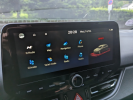
Just did the update on my 2018 PFL, and can confirm that they fixed the circles in the custom menu and also now the image that appears when you change modes is a hatchback...not the i30n but still a concept car or some sort. I don't really care about that image cause I keep mine off.
Update was fairly quick, much faster than Nov 2022 update. It took about 10 mins tops.
 
  • Like
Reactions: The1Bandit
Here is my i30N MY19 navi manual update small guide:
no card.jpg
Card is removed - no map or navi on the screen and big clock and date in this place.
When you press the MAP or NAVI key on the right side - info about no SD card or problem with the card - so you can easy drive without the card - nothing to do with other car settings.
I turned the car off, put the card inside and turned on the car again.
After inserting ther card - system will see update on it in auto without need of going to menu/update.
Then three phases of update:
- checking the card and new data on it with restart
- two phases of update with restart
- uploading previous settings for maps/music (all sound setting like set before and all addresses from saved/favourites)
Finally:
card.jpg
Everything looks ok - when you change drive mode on the wheel you can still see this crappy concept/electric car:
mode.jpg
But in custom screen there is still real i30N and no weird circles/ovals on settings:
n.jpg
I drove to the nearest big parking without the card and did this update without any problems.
 
Seems noticably faster for me, although that could be placebo.
 
Did mine yesterday driving back from work. Took around 15 mins so very quick.
Nice to see the white circles around the settings in custom have gone!
Must be a bug fix update/map update because I cant see any graphical improvements (not much in the change logs)
 
Hello everyone,

I performed the June 23 update on my i20N. I have a problem displaying speed limits. I no longer have those of the sat nav just from the recognition of road signs.

Has anyone already faced this problem?

Thank you for your feedback
 
Today I drove twice using navigation with new maps from this update and something is weird.
For example - the same road like before with new maps - voice "after xxx meters turn right" but my road is straight.
The same situation when I traveled back - "after xxx meters turn right" but right was totally wrong direction on this road crossing. What was totally weird - trip show on map was straight - only voice told me bad direction.
 
Today I drove twice using navigation with new maps from this update and something is weird.
For example - the same road like before with new maps - voice "after xxx meters turn right" but my road is straight.
The same situation when I traveled back - "after xxx meters turn right" but right was totally wrong direction on this road crossing. What was totally weird - trip show on map was straight - only voice told me bad direction.
I’ve already noticed a few map errors including a major regional hospital in completely the wrong place🫣…I guess it’s using the data provided to them by their outsourced mapping providers.
 
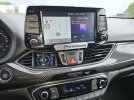
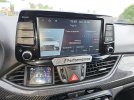
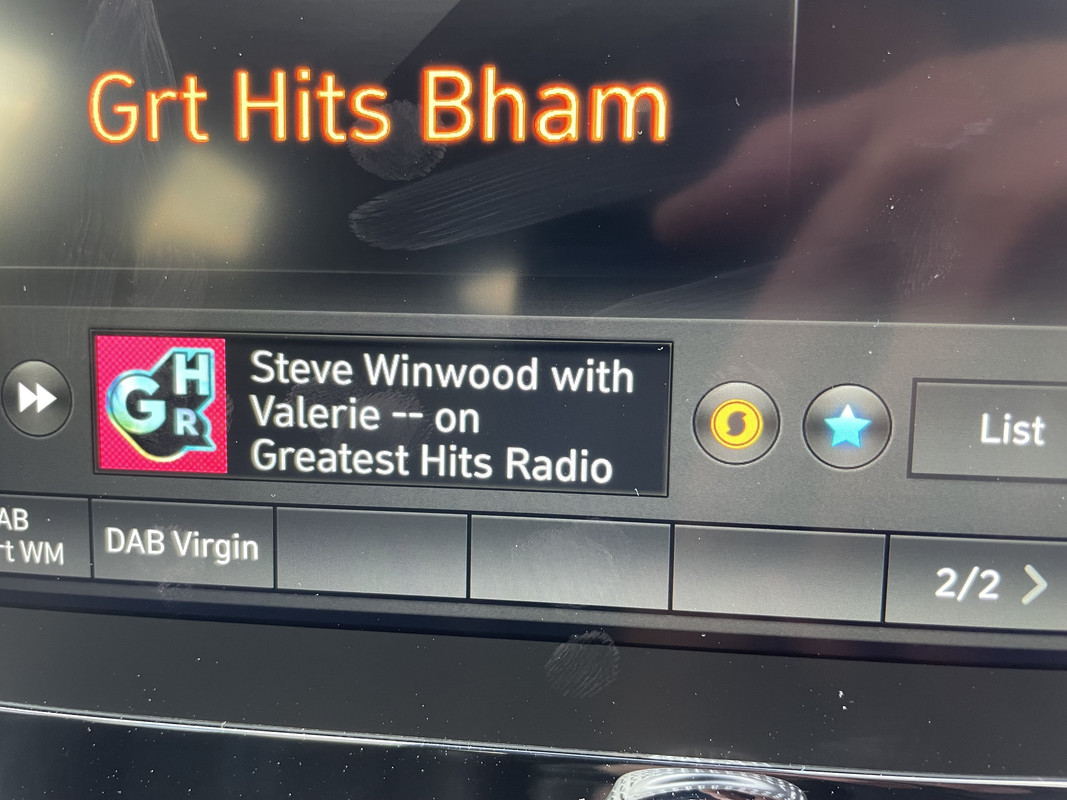
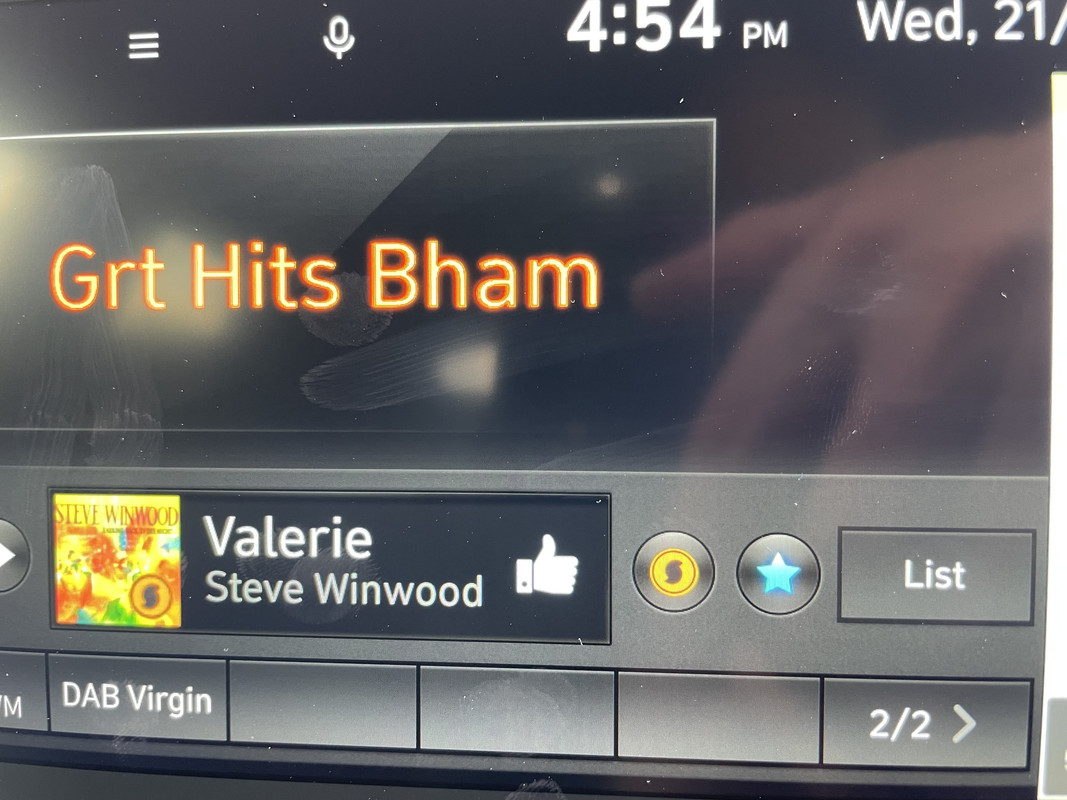
After updating my car I’ve noticed something that I not seen previously on the DAB radio, from checking the logo it seems to be Soundhound music identification. I’ve done a chat with Hyundai who are clueless and didn’t really understand what I was talking about.
Here are two pictures, showing the ‘S’ logo next to the favourite icon, when you press it, it spins and the current song playing shows up.

I expect someone will say I’ve been blind and this has been there all the time!!


After updating my car I’ve noticed something that I not seen previously on the DAB radio, from checking the logo it seems to be Soundhound music identification. I’ve done a chat with Hyundai who are clueless and didn’t really understand what I was talking about.
Here are two pictures, showing the ‘S’ logo next to the favourite icon, when you press it, it spins and the current song playing shows up.

I expect someone will say I’ve been blind and this has been there all the time!!


You are not blind, its a new feature i got that too and that is amazing 😁
 
  • Like
Reactions: NCart